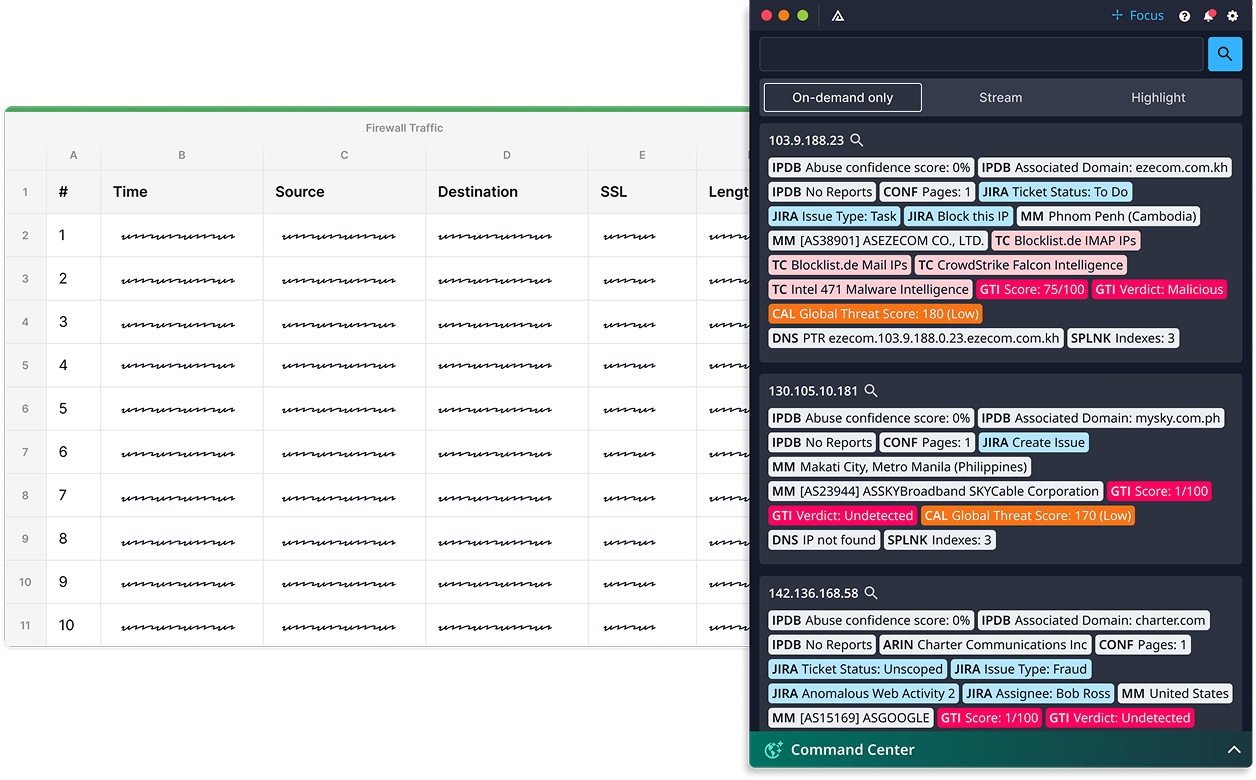
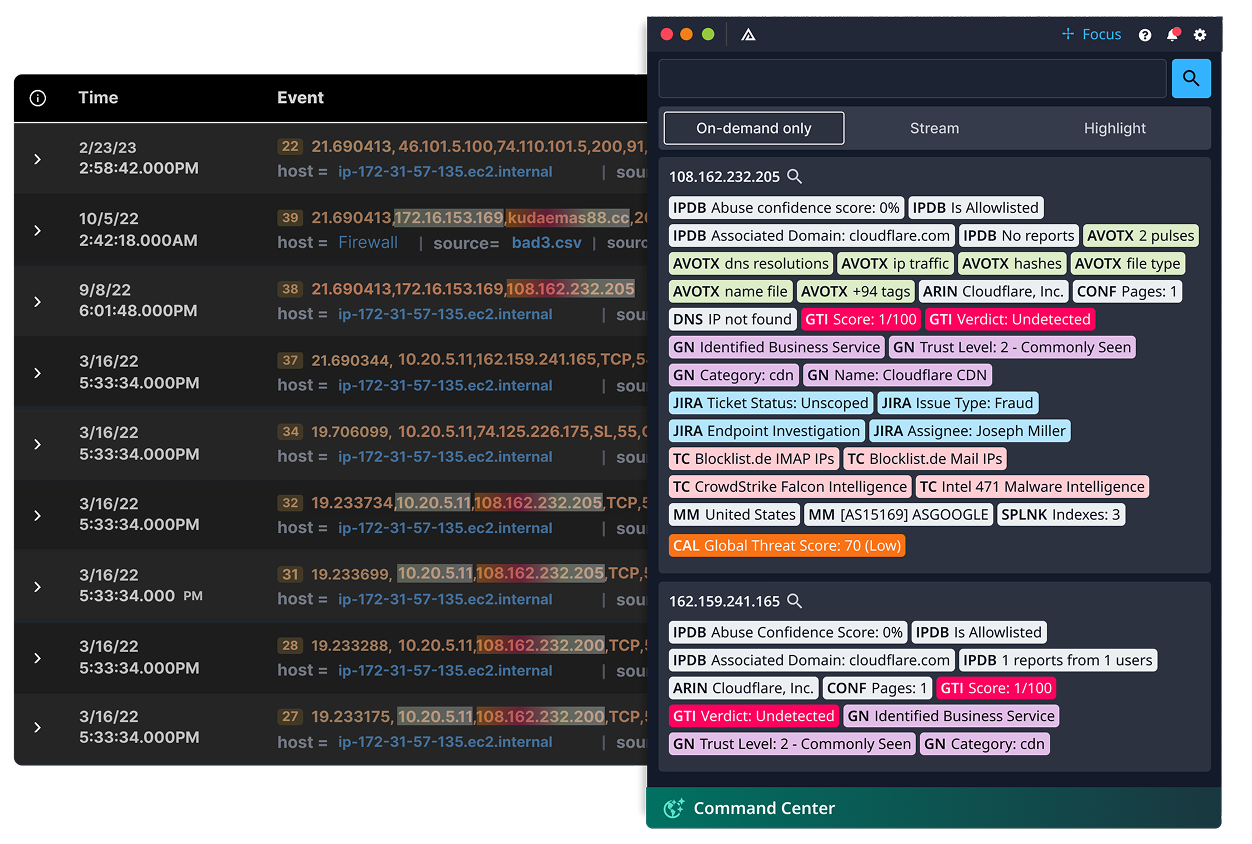
Every alert triggers the same grind: copy, tab, paste, search, repeat across ten tools. It’s the manual tax on every investigation. Investigation Insights assists analysts by quickly searching 200+ connected system connected systems before you finish reaching for the keyboard.
Investigation Insights connects to 200+ tools without writing a single line of code. And it lets you search across them from anywhere.
Investigation Insights is how intelligence reaches analysts — not in a portal, but on top of the tools they already use. It powers in-workflow delivery across two solutions.
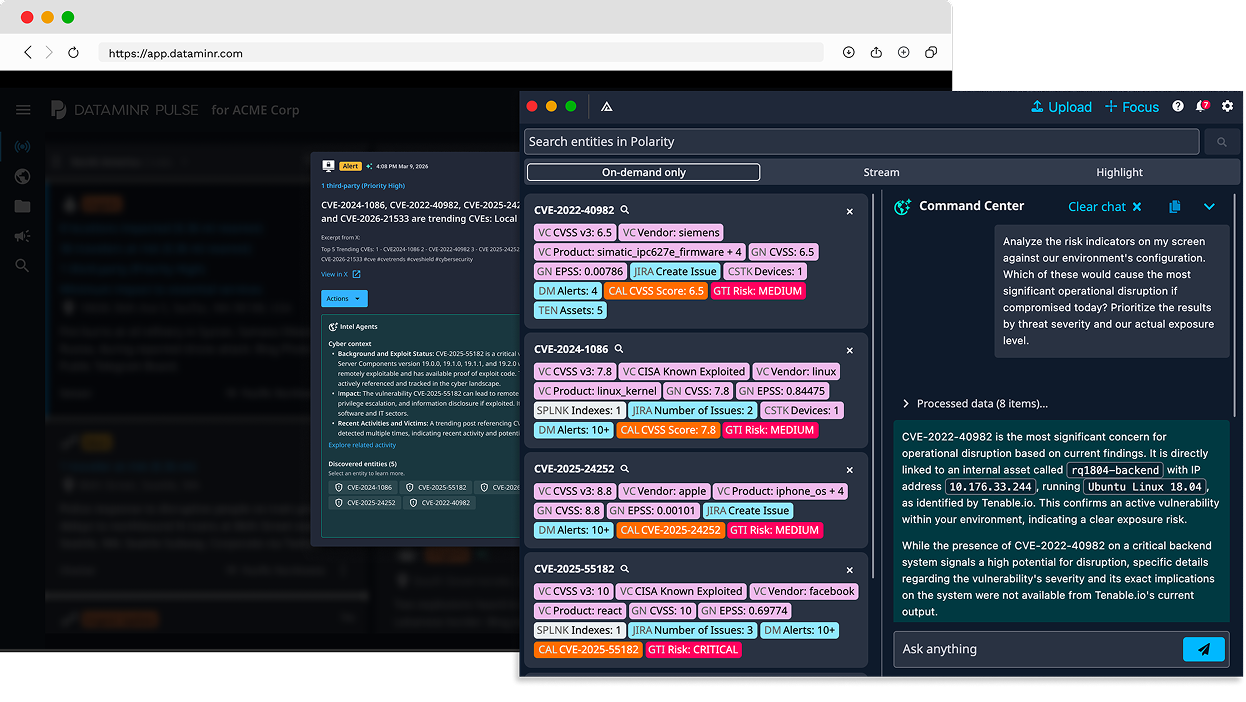
SIEM and SOAR enrichment runs inside those tools — you still have to be in the right console, looking at the right alert, with the right query. Investigation Insights works on top of every tool, every screen. It watches what your analyst is looking at and pulls context from 200+ connected systems automatically — including your SIEM. It doesn’t replace enrichment. It makes enrichment universal — not confined to the tools where you’ve built integrations.
No. Investigation Insights queries your tools where they already live — no data replication, no centralized ingestion, no new infrastructure. Federated search spans 200+ systems in real time. Your data stays in your tools. The overlay just makes it accessible from one screen.
Hours, not months. Cloud or on-prem. No data migration. The overlay installs on analyst machines and connects to your existing tools immediately. A Fortune 500 retailer was running in production and cutting per-indicator lookups from minutes to seconds within days.
No — that’s the point. The overlay sits on top of whatever they already use. There’s no portal to log into, no query language to memorize, no new workflow to adopt. If your analyst can see a screen, Investigation Insights can enrich what’s on it.
Computer vision reads your analyst’s screen in real time — identifying IPs, hashes, CVEs, domains, and other indicators wherever they appear. A PDF advisory, a Slack thread, a SIEM dashboard, a vendor blog post. Context from connected tools surfaces automatically. No copying and pasting required.