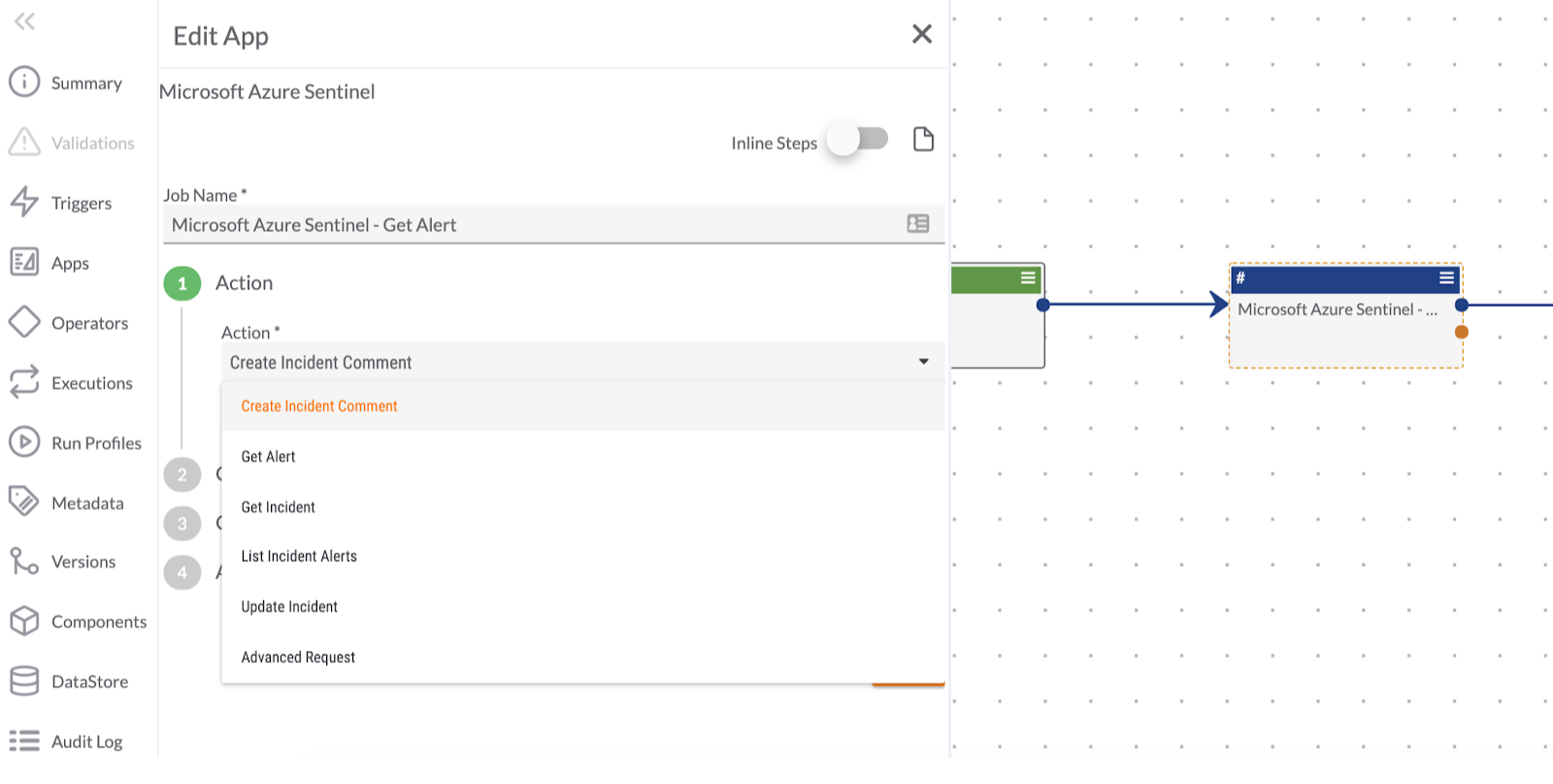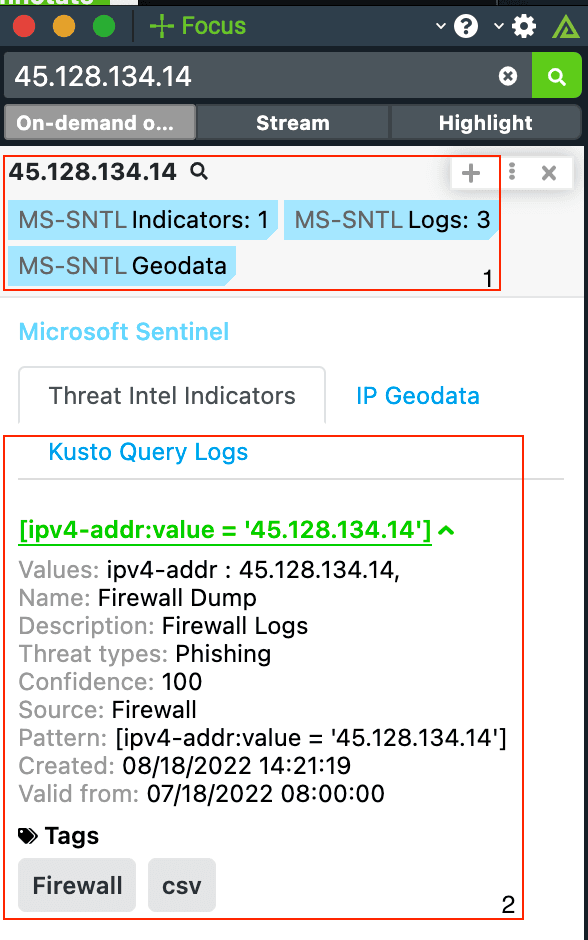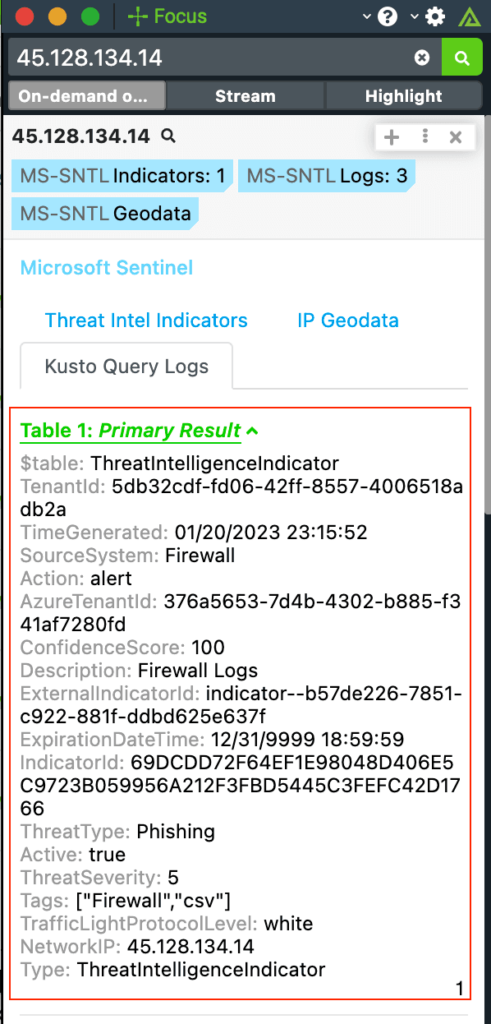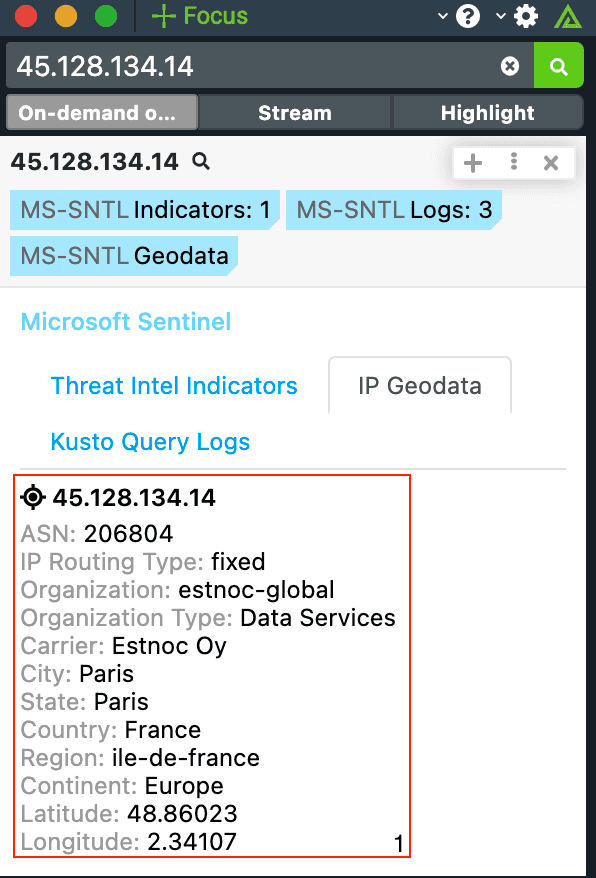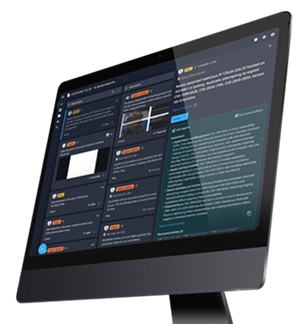
With the Microsoft Azure Sentinel Playbook app and Service app, you can better manage and ingest Incidents and Alerts in Azure Sentinel. Dataminr provides context on indicators and enables you to easily spot abnormal trends and patterns to act on them efficiently. Additionally, analysts working in Azure Sentinel can view real-time indicator enrichment, add indicators back into Dataminr, and record false positives. You can then tie your data to Playbooks to automate nearly any cybersecurity task and respond to threats faster directly from Azure Sentinel – as well as send data to other tools like your EDR or Network Security tools for alerting or blocking purposes. The following actions are available:
- Create Incident Comment
- Get Alert
- Get Incident
- List Alerts
- List Incidents
- Update Incident
These apps can be found in the Dataminr App Catalog under the names: Microsoft Azure Sentinel (Playbook), Microsoft Azure Sentinel (Custom Trigger)