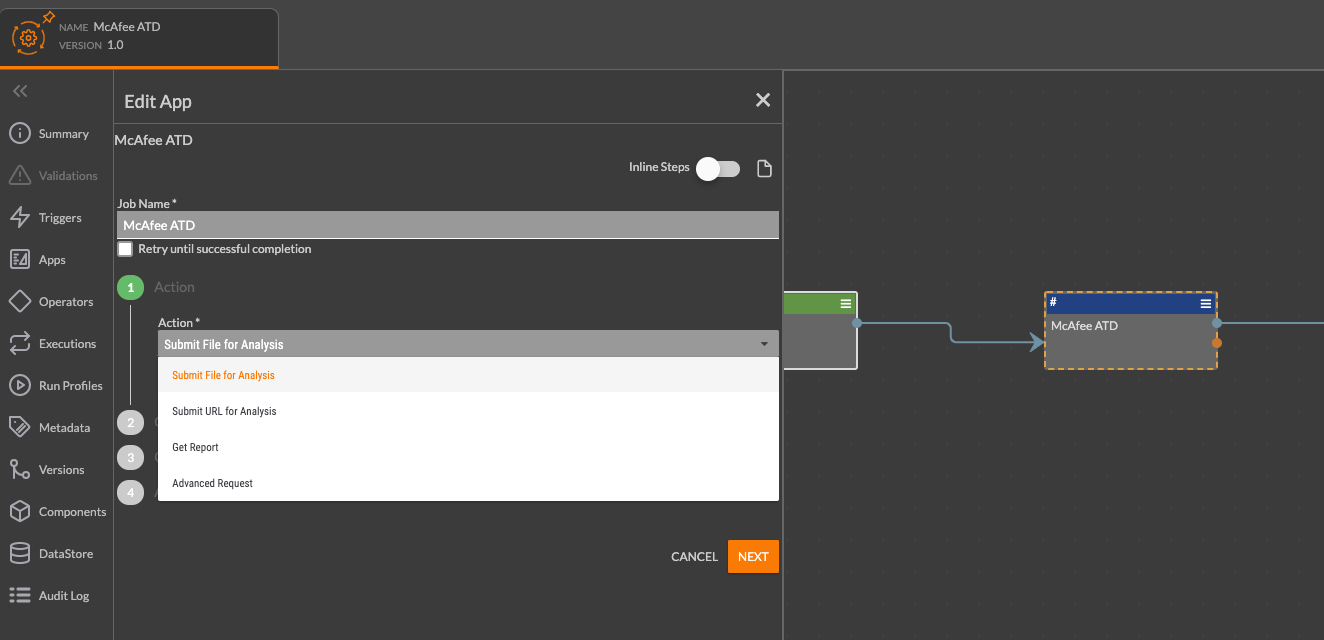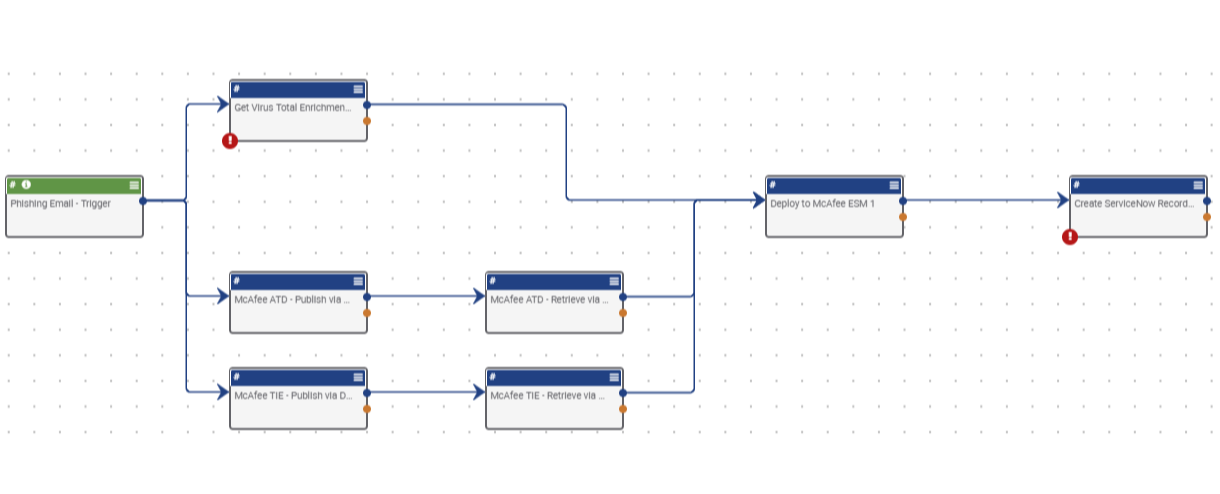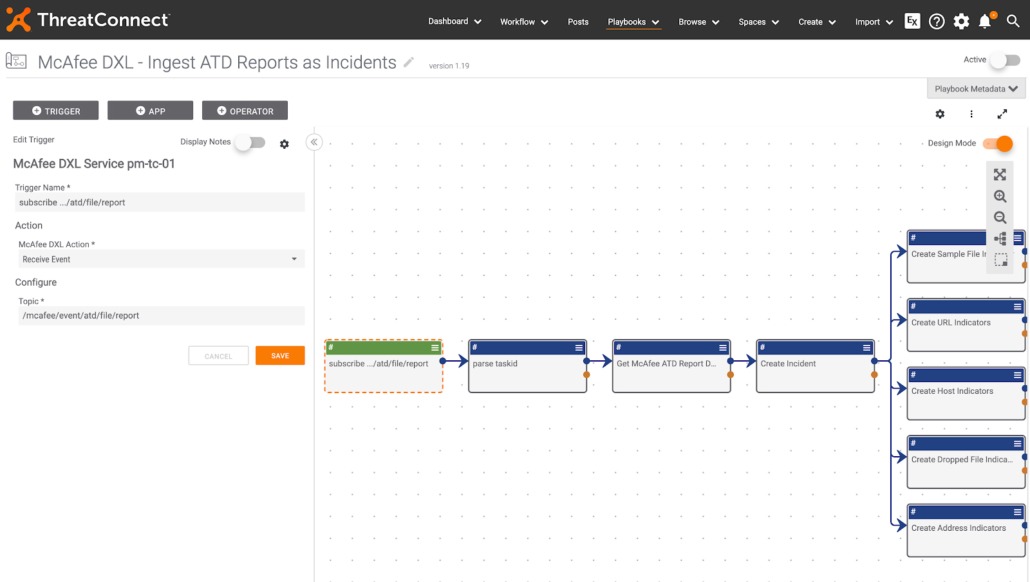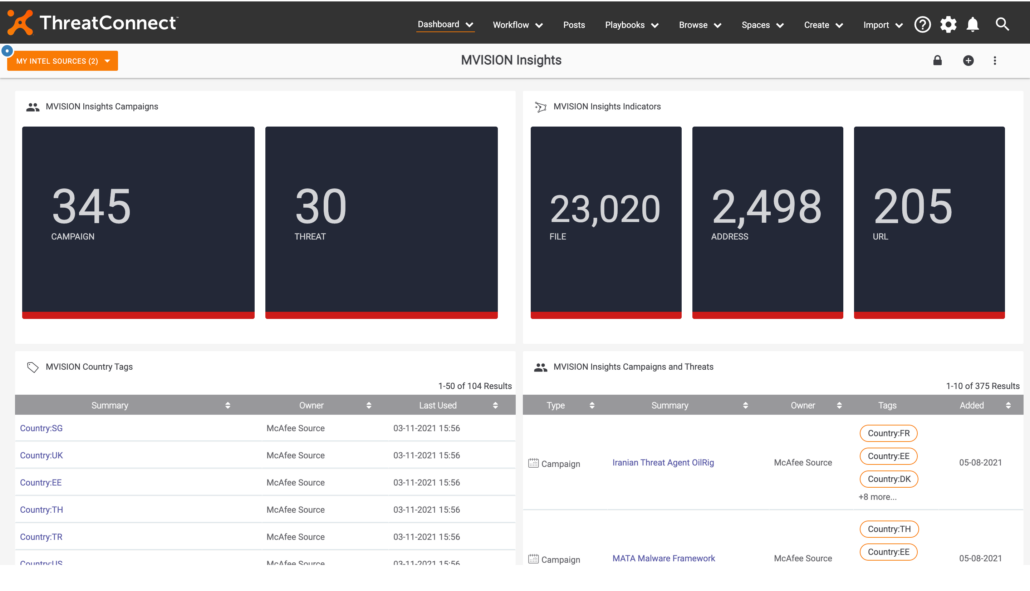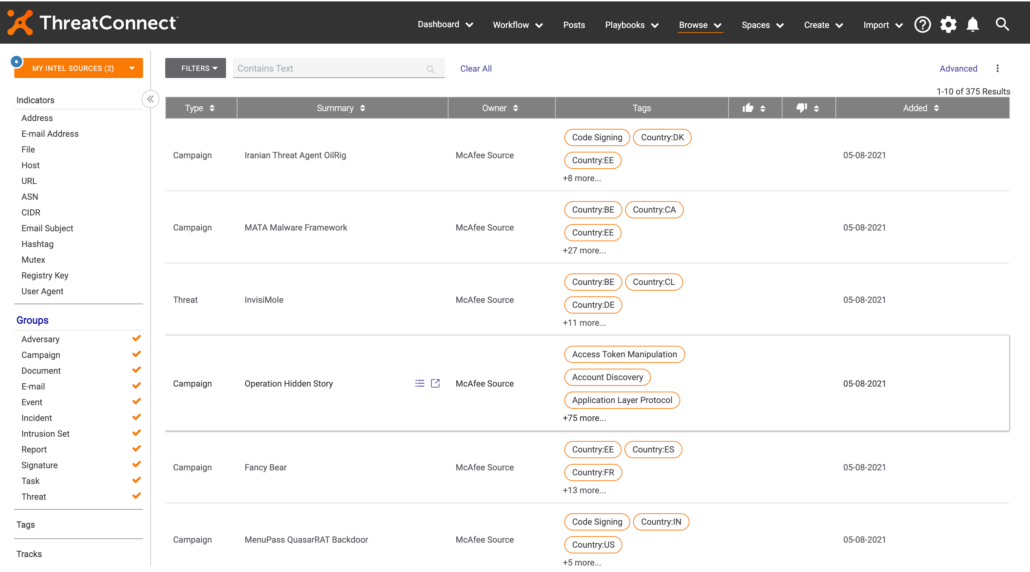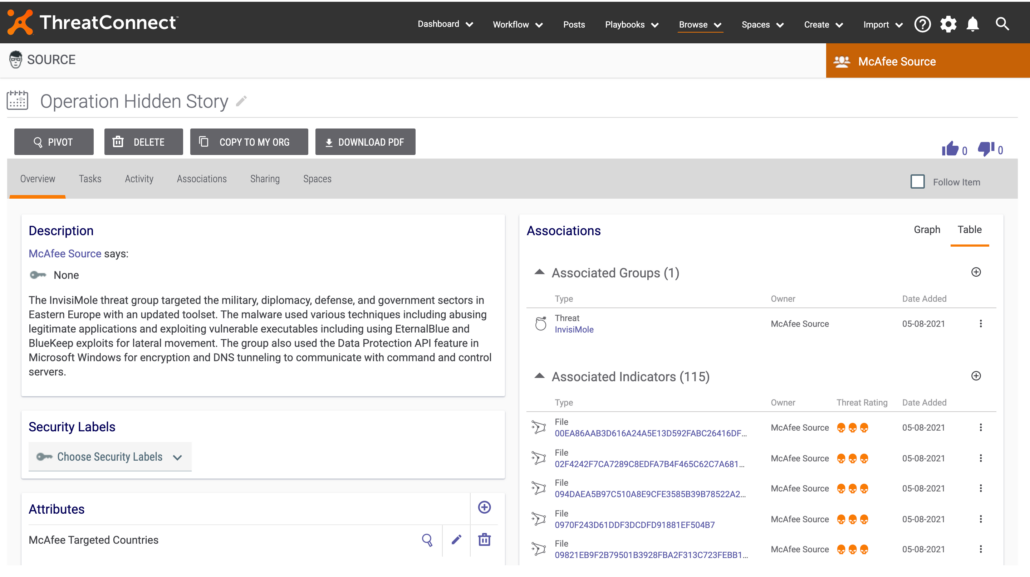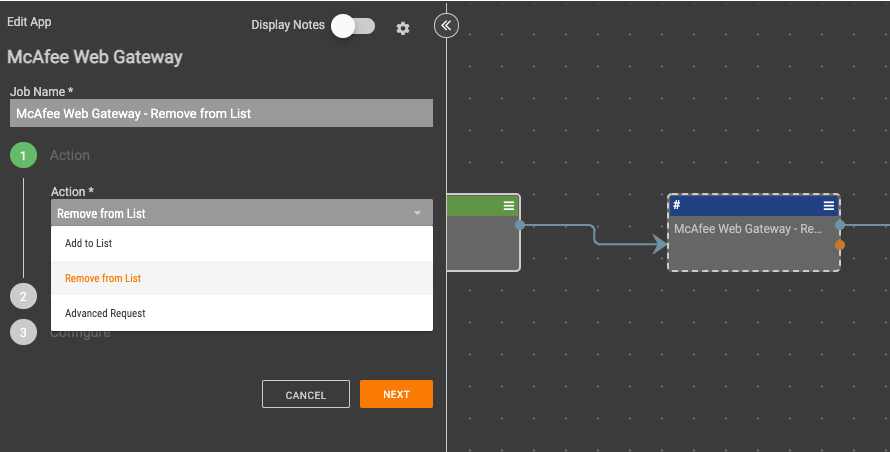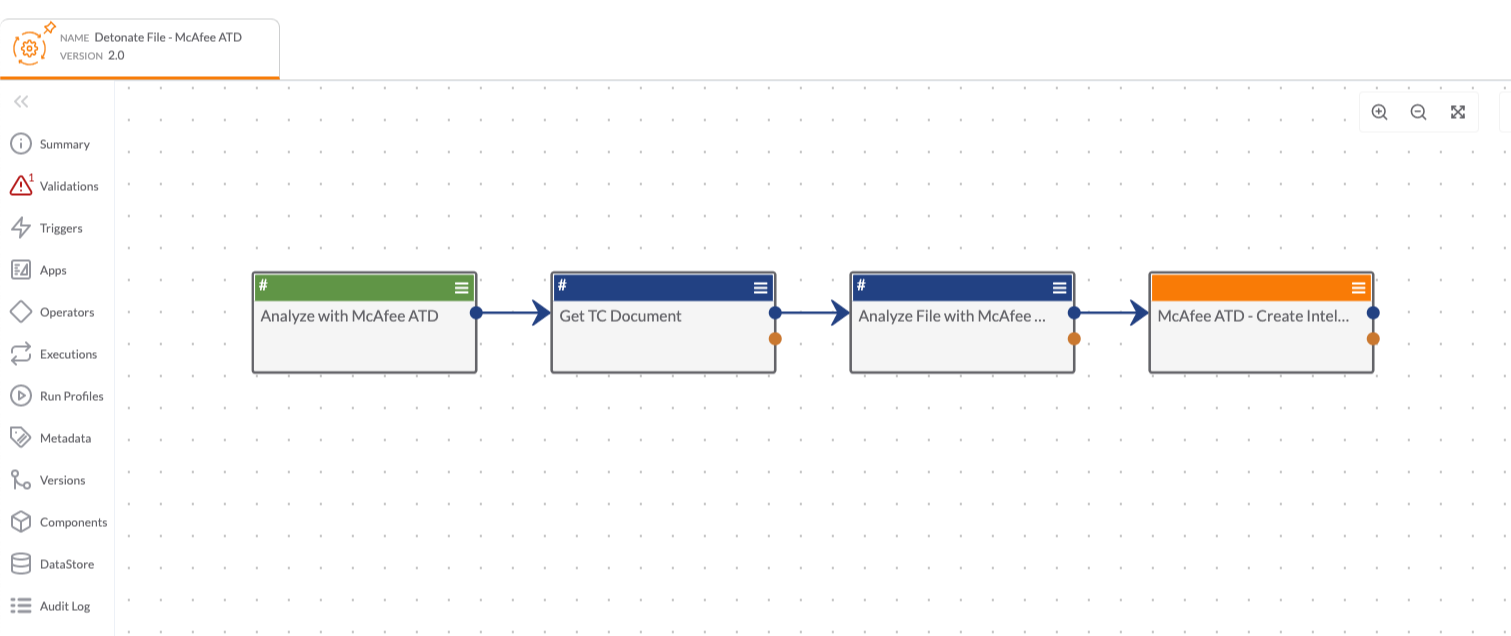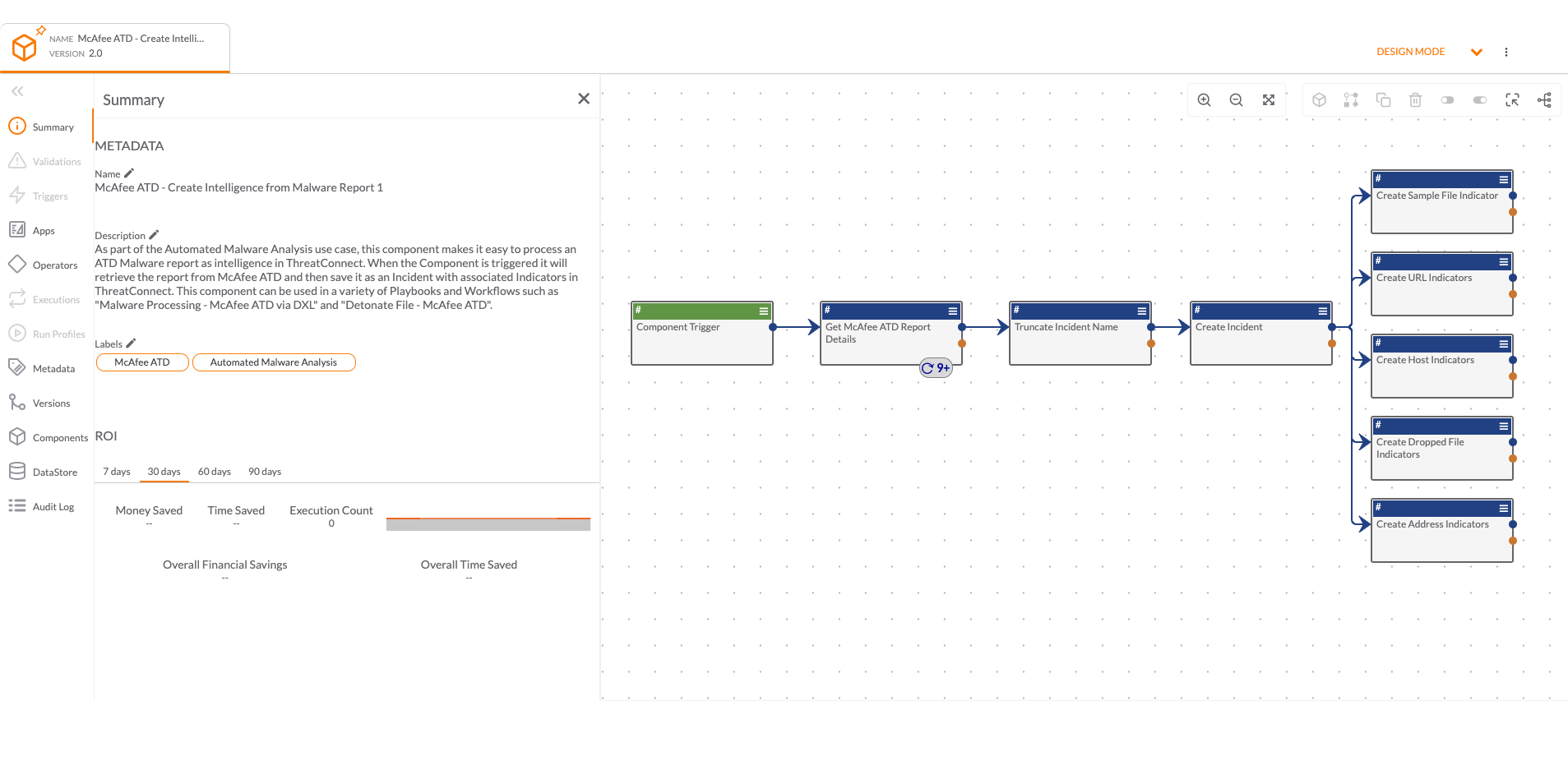
Analyze and detonate files or URLs in McAfee Advanced Threat Detection (ATD) from Dataminr to understand if they are malicious and any relevant intelligence. Additionally, McAfee ATD Reports can be sent and saved in Dataminr, and associated to corresponding intelligence. With the Playbooks Apps and Templates, users are automatically able to take the following actions:
- Analyze Files with McAfee ATD – The McAfee API lets users submit a supported file type for McAfee analysis. Use this app to automate the submission of new malware files. The app attempts to detect whether a file is in ZIP format and, if so, automatically unzips it before sending it to the McAfee API.
- Analyze URLs with McAfee ATD – The McAfee ATD API lets users submit a URL for analysis. Use this app to automate the submission of URLs that point to a hosted file.
- Retrieve McAfee ATD Reports – The McAfee ATD API lets you submit a URL for analysis. Use this app to get an Analysis report for a specified Task ID or hash value.
This app can be found in the Dataminr App Catalog under the name: McAfee ATD